

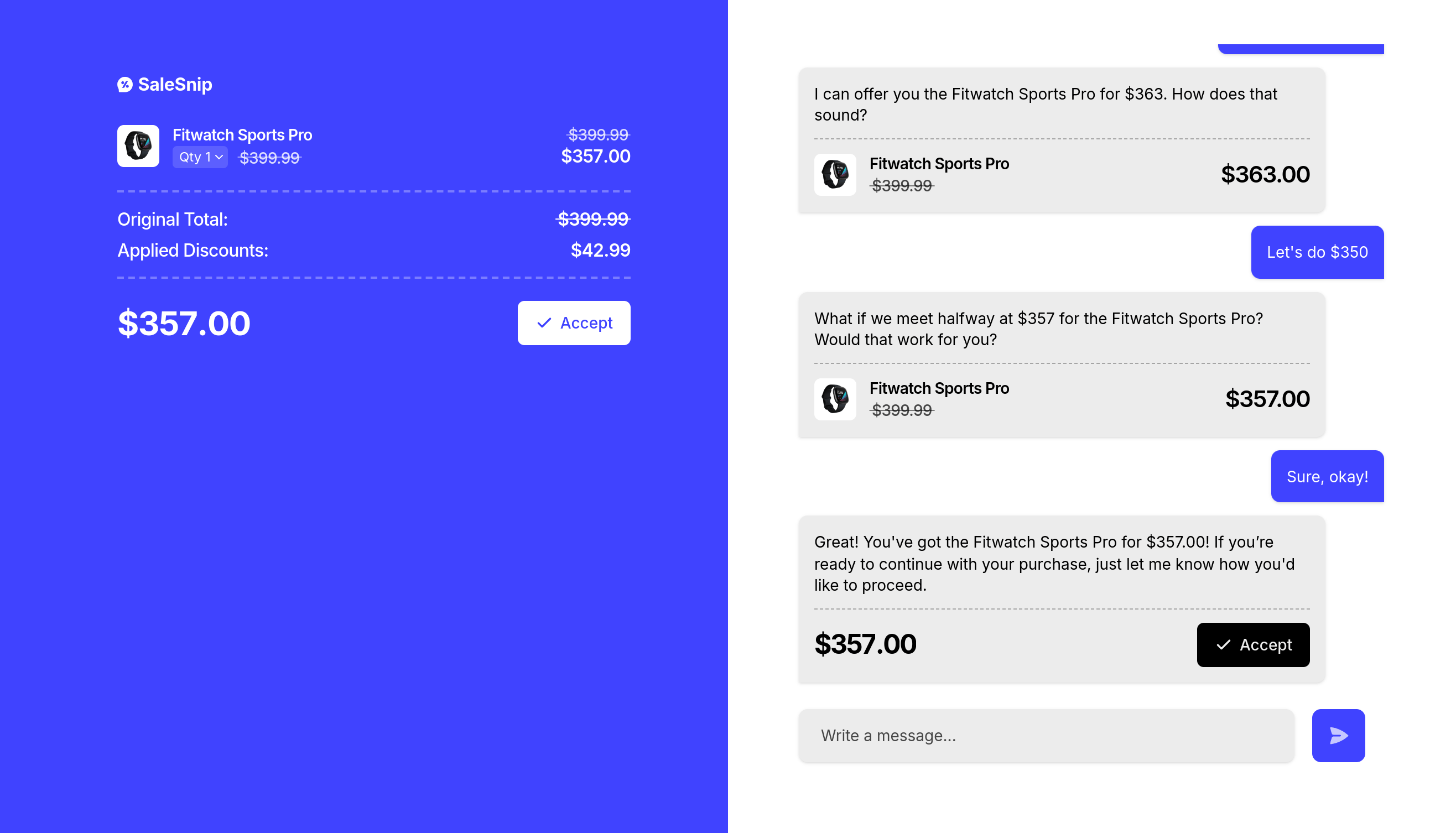
1. Create a negotiation session
1.1. Create a Negotiation API Route
Create an API route to start a SaleSnip session using the SaleSnip API.https://api.example.com/negotiate
You find the full API reference of this SaleSnip API route here.
1.2 Redirect the User
After creating the session, the SaleSnip API will return a response containing aurl field. Redirect the user to this URL to start the negotiation process.
2. Start the checkout or payment
2.1 Create a Checkout API Route
Create an API route that loads the session data from SaleSnip and starts the checkout or payment process.https://api.example.com/checkout
You find the full API reference of this SaleSnip API route here.